Vector Low Speed Handpiece Parts
Browse Vector-compatible parts and handpiece listings.
Browse all categories
2 Products
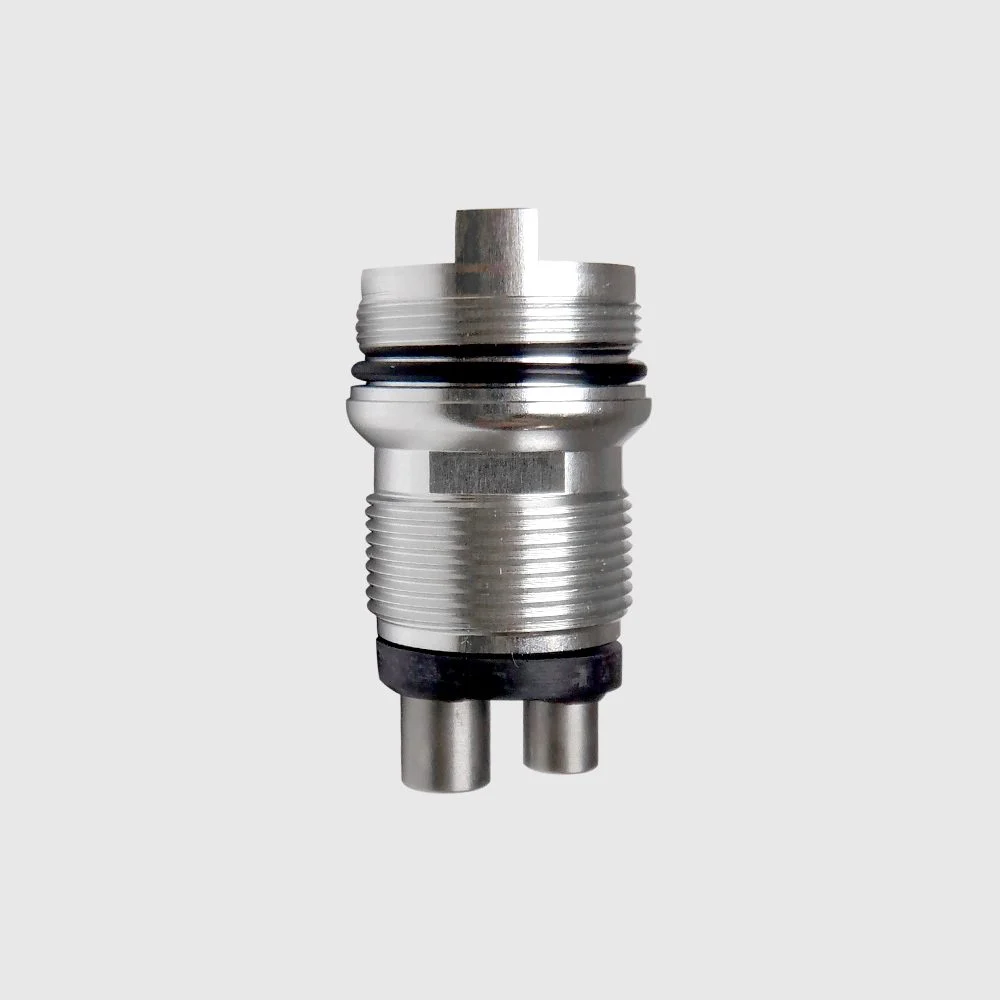
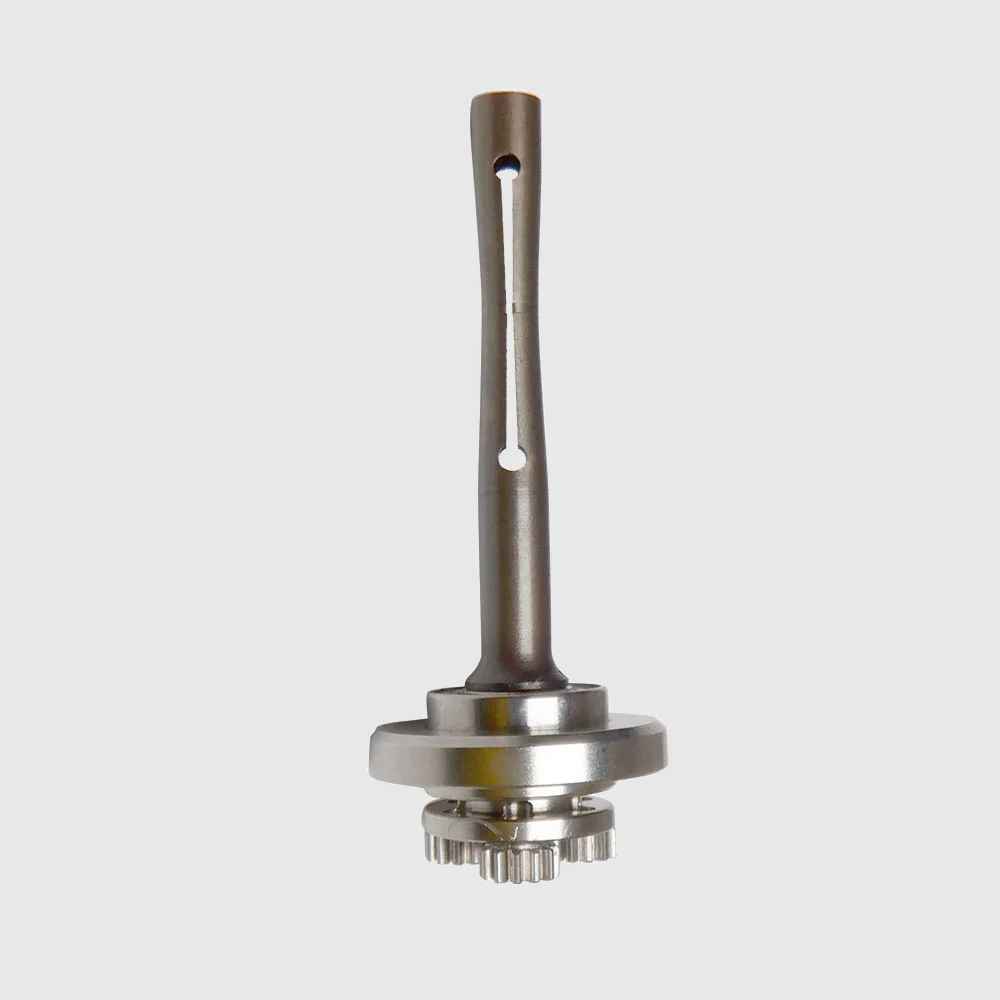
Part matching guide
How to identify the right vector low speed handpiece parts
The fastest way to reduce a wrong-part match is to start from the exact handpiece identity and then use SKU/MPN-level catalog data. This catalog slice currently contains products tagged for Vector.
- 01Identify the handpiece brand and exact model.
- 02Search any SKU, MPN or part number printed on the component or service record.
- 03Open the candidate product page and verify its stated compatibility.
- 04Use the parts concierge for an ambiguous match before submitting the RFQ.
Common questions
How do I choose the correct vector low speed handpiece parts?
Start with the exact handpiece brand and model. If the old component has a SKU, MPN or other part number, search that identifier as well. Use the compatibility and identifiers shown on the product page; do not assume a visually similar part is interchangeable.
What information should I send if I cannot identify the part?
Send the handpiece brand and model, any SKU/MPN or label text, the quantity needed, and a concise description of the failed component. The Xpartara concierge can narrow catalog candidates before you submit an RFQ.
Can I search Xpartara by SKU or MPN?
Yes. Xpartara's catalog search and parts concierge both use product identifiers as high-priority matching signals, together with brand and model information.
Match before ordering